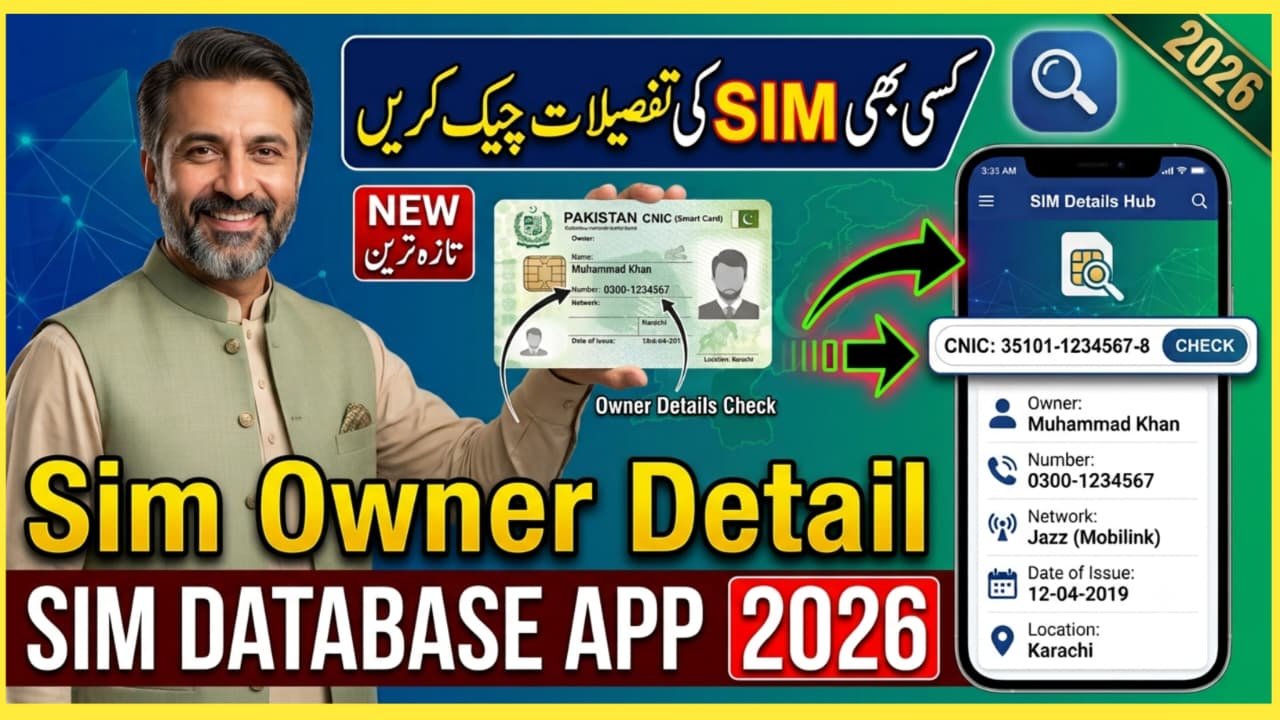
SIM Database App – Check SIM Owner Details by SIM Database App: Checking SIM information has become an important step for mobile users in Pakistan. People often want to know how many SIMs are registered against their CNIC, which mobile networks are associated with their identity, or whether an unknown SIM has been issued using their details.
Many websites and mobile applications use terms such as “SIM Database App,” “SIM Owner Details,” or “SIM Information App.” However, users should understand the difference between legitimate SIM verification services and third-party apps that claim to reveal private subscriber information.
The safest option is to use the official SIM Information System rather than relying on an unknown application that promises complete personal details.
What Is a SIM Database App?
A SIM database app is generally described as an application or online service that helps users check SIM-related information. Depending on the service, it may claim to provide details such as the number of SIMs registered against a CNIC or the relevant mobile network.
However, an important privacy point should be remembered: an ordinary user should not expect a legitimate public service to reveal another person’s private subscriber information simply by entering their phone number.
In Pakistan, the official SIM Information System allows users to check the number of SIMs registered against their own CNIC. The official portal asks users to enter their CNIC and provides network-wise SIM counts.
Are SIM Owner Details Available Online?
This is one of the most common questions related to SIM database apps.
A legitimate public verification system is different from a private database containing someone’s personal information. The official SIM Information System is designed to show the number of SIMs associated with a CNIC, rather than providing unrestricted access to another person’s confidential subscriber profile.
Therefore, users should be careful with apps or websites claiming that they can instantly provide a person’s complete name, address, CNIC information, or other private data from a mobile number.
Such claims can involve privacy and security risks.
How to Check SIMs Registered Against Your CNIC
If your goal is to find out how many SIMs are registered in your own name, you can use the official SIM Information System.
Step 1: Open the Official SIM Information System
Visit the official SIM Information System: https://cnic.sims.pk/
Step 2: Enter Your CNIC
Enter your valid 13-digit CNIC number in the required field.
The official system specifically provides a CNIC option for checking SIM registration information.
Step 3: Complete Verification
Complete the verification shown on the website and submit the information.
Step 4: Check the Result
The system can display the number of SIMs associated with your CNIC across supported mobile networks. The results are presented network-wise, including networks such as Jazz, Telenor, Ufone, and Zong.
SIM Database App vs Official SIM Information System
| Feature | SIM Database Apps | Official SIM Information System |
|---|---|---|
| Purpose | Depends on the application | SIM registration verification |
| CNIC SIM count | May claim to provide it | Yes |
| Network information | Depends on the service | Yes |
| Private owner data | Claims should be treated cautiously | Not provided as unrestricted public information |
| Privacy | It depends on app developer | Official telecom verification channel |
| Recommended for CNIC check | No unknown app should be trusted automatically | Yes |
Can You Find the Name of a SIM Owner by Number?
Many users search for phrases such as “SIM owner name by number” or “SIM database check by mobile number.”
You should be cautious with websites or apps making this promise.
A mobile number can be personal information, and obtaining or publishing another person’s private subscriber data without authorization can create privacy and security concerns. The official system is primarily intended for checking SIMs associated with your own CNIC rather than providing unrestricted access to other people’s personal information.
If you need information about a number involved in fraud, harassment, or another legitimate complaint, the appropriate approach is to contact the relevant telecom operator or use the official complaint process instead of using an unofficial database.
How to Check the Network of a Mobile Number
The official SIM Information System also provides a network-checking option. Its website states that users can check the network of a number by sending an SMS in the specified format to 76367, subject to the applicable SMS charges.
Always verify the current charges and instructions on the official portal before using an SMS service.
What If an Unknown SIM Is Registered on Your CNIC?
If your CNIC check shows a SIM that you do not recognize, do not ignore it.
An unauthorized SIM registration can create security and legal problems. Pakistan’s telecom cybersecurity guidance advises consumers to periodically check the number of SIMs issued in their name and have illegally issued SIMs blocked.
You should:
- Verify the result through the official SIM information system.
- Contact the relevant mobile operator.
- Ask the operator about the unknown SIM.
- Request blocking or disconnection where appropriate.
- Keep any relevant documentation or complaint reference.
- Use the PTA complaint system if the issue is not resolved.
How to Stay Safe From Fake SIM Database Apps
Before entering your CNIC, phone number, or other personal information into an app or website, consider the following precautions:
- Use official telecom or government websites whenever possible.
- Avoid apps promising unlimited access to private subscriber databases.
- Do not provide your CNIC to unknown websites.
- Never share OTPs with strangers or unverified services.
- Avoid downloading APK files from unknown websites.
- Check app permissions before installing an application.
- Do not assume that search results from third-party websites are official.
- If an app asks for unnecessary personal information, avoid using it.
The Pakistan Telecommunication Authority has also warned about SIM-related fraud and recommends protecting personal information and account security.
PTA Complaint System for SIM-Related Issues
If you have a genuine telecom complaint that cannot be resolved by your operator, you can use the PTA Complaint Management System. PTA Complaint Management System
PTA’s complaint system allows telecom consumers to register and track complaints related to telecommunications services.
Frequently Asked Questions
What is a SIM Database App?
“SIM Database App” is a term commonly used for applications or services that provide SIM-related information. However, not every application using this name is official or trustworthy.
How can I check SIMs registered on my CNIC?
Use the official SIM Information System and enter your own 13-digit CNIC number. The system can show the number of SIMs registered across supported networks.
Can I check another person’s complete SIM owner details?
You should not rely on unofficial services claiming to provide another person’s private subscriber information. Use authorized channels for legitimate verification.
Is there an official SIM database website?
Yes. Pakistan’s official SIM Information System is available at cnic.sims.pk.
What should I do if an unknown SIM appears against my CNIC?
Contact the relevant mobile network operator and request clarification or blocking of the unauthorized SIM. If necessary, submit a complaint through the PTA Complaint Management System.
Is every SIM database app safe?
No. Third-party applications can have different privacy practices and may request sensitive information. Always prefer official sources for SIM verification.
Final Words
The term “SIM Database App” is widely searched by people who want to check SIM ownership or registration information. However, users should distinguish between legitimate SIM verification and websites or apps that claim to expose private subscriber data.
For checking how many SIMs are registered against your own CNIC, the safest approach is the official SIM Information System. If you discover an unfamiliar SIM, contact the relevant telecom operator and use PTA’s official complaint channel when necessary.
Avoid sharing your CNIC, OTP, passwords, or other sensitive information with unverified SIM database applications. Using official channels is the best way to protect both your privacy and your mobile account.
For More Information: Click Here